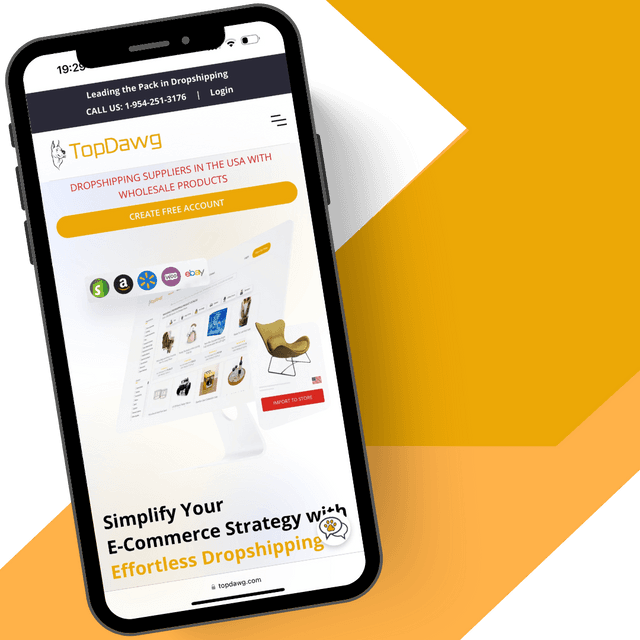


How to Manually Place Dropshipping Orders with TopDawg
Learn how to manually place dropshipping orders with TopDawg using the cart or bulk order upload feature. This step-by-step guide shows how to enter customer details, calculate shipping, and process single or multiple orders efficiently. Ideal for retailers using CSV workflows, managing orders outside of automated integrations, or looking to streamline manual order fulfillment processes.
What You’ll Learn in This Video
This video walks you through the complete process of manually placing dropshipping orders in your TopDawg account. You’ll learn how to use the cart for single orders, upload bulk orders using a spreadsheet, and manage order processing efficiently. For a full breakdown of the order workflow, see our guide on how dropshipping orders work.
1. How to Access the TopDawg Cart
Learn how to access the TopDawg cart from your dashboard or navigation bar. This is the starting point for placing manual orders and managing both single- and bulk-order workflows within your retailer account. If you're new to the platform, review how to start a dropshipping business to understand the full setup process.
2. How to Place a Single Order
Step-by-step instructions on placing a single order using the cart. This includes adding products, entering customer details, selecting a payment method, calculating shipping, and finalizing the order for fulfillment. To better understand how orders are processed within the platform, see how TopDawg automates dropshipping for online retailers.
3. How to Enter Customer and Shipping Details
Understand which customer fields are required and how to correctly enter shipping information. Learn how to include optional details like company name, email, and delivery instructions to ensure accurate order fulfillment. To better understand how fulfillment and shipping are handled on the platform, explore how TopDawg simplifies dropshipping fulfillment for retailers.
4. How to Calculate Shipping and Complete the Order
See how to update shipping rates, review total order costs, and confirm all details before placing an order. This step ensures accurate pricing and prevents order processing issues. Learn more about U.S. dropshipping suppliers and fast shipping advantages.
5. How to Upload Bulk Orders
Learn how to place multiple orders at once using the bulk order upload feature. This includes downloading the template, entering required fields like TDID and customer details, and uploading the file for processing. Bulk ordering is ideal for scaling your business—see how to scale your dropshipping business with U.S. suppliers.
6. How to Manage and Fix Failed Orders
Understand how to review processed orders and identify any failed submissions. Learn how to correct errors using the failed orders tab and resubmit orders to ensure successful fulfillment. For best practices on maintaining smooth operations, review how dropshipping orders work from start to finish.
Learn More About Dropshipping Orders & Fulfillment
If you're placing orders manually or scaling your workflow, these resources will help you streamline fulfillment and grow your business:
👉 How Dropshipping Orders Work from Start to Finish
👉 How to Start a Dropshipping Business with TopDawg
👉 U.S. Dropshipping Suppliers: Complete 2026 Guide
👉 Why U.S. Dropshipping Suppliers Are Winning in 2026
Start Selling with TopDawg
Create your free TopDawg account, import products, and start placing orders in minutes—manually or through automation.
👉 Start Dropshipping with TopDawg
Explore More Tutorials
Browse the TopDawg Video Learning Center for step-by-step guides on product imports, order management, bulk uploads, and integrations with Shopify, WooCommerce, and more.
Frequently Asked Questions
Related Videos

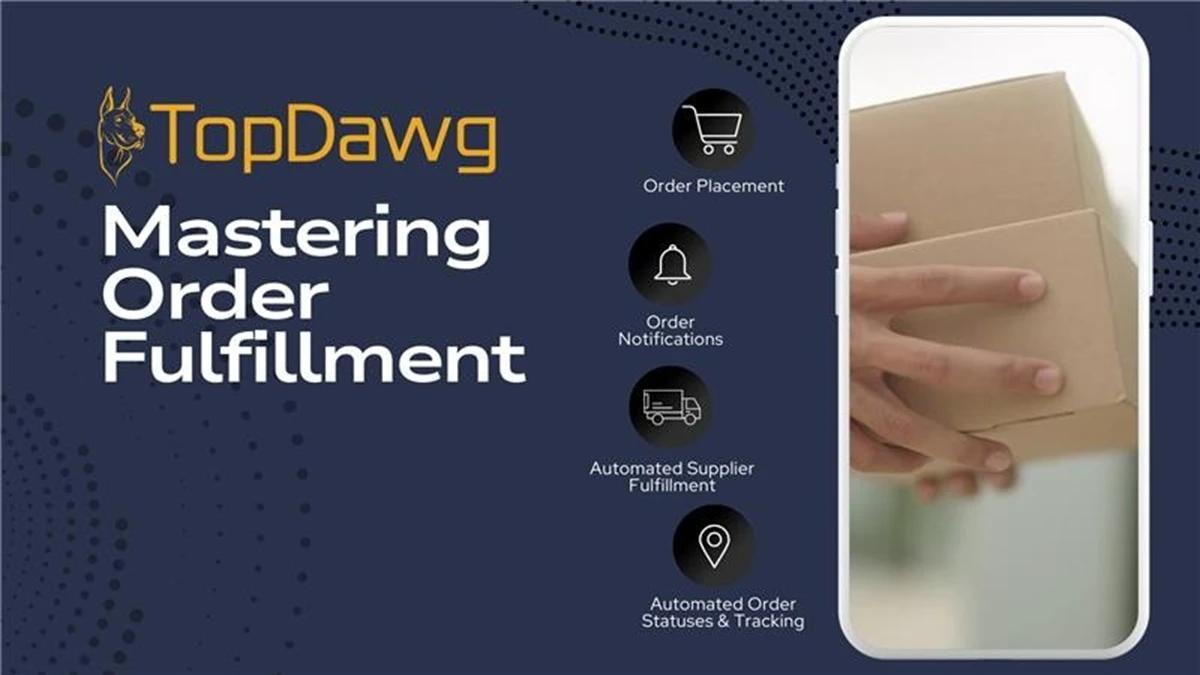
Mastering Order Fulfillment with TopDawg
Additional Resources







Create a Free Account to Get Started
Creating a free account only requires a valid email address, with no credit card needed.