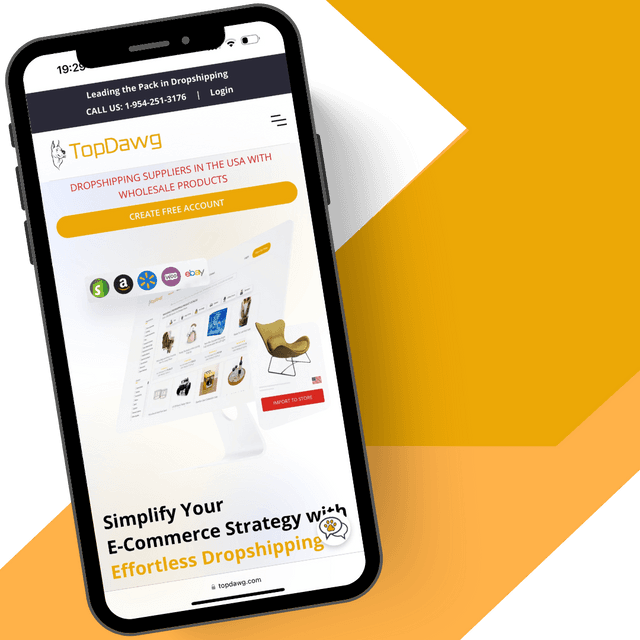


How to Connect Your Amazon Store for Dropshipping Automation
Learn how to connect your Amazon store to TopDawg and start dropshipping with automated inventory syncing, order routing, and U.S.-based fulfillment. This step-by-step guide shows how to link an existing Amazon Seller account or create a new one, authorize the integration, and begin scaling your Amazon dropshipping business with real-time automation.
What You’ll Learn in This Video
This video walks you through connecting your Amazon store to TopDawg, authorizing the integration, and preparing your account for automated dropshipping operations using a fully U.S.-based dropshipping supplier network.
1. Connecting an Existing or New Amazon Store
Learn how to connect an existing Amazon Seller account or create a new one directly through the TopDawg platform. This step ensures your store is properly set up for integration and ready for product syncing and order automation, making it easy to start a dropshipping business with Amazon using automated fulfillment and U.S. suppliers.
2. Authorizing the Amazon Integration
Understand how to securely authorize TopDawg’s Amazon integration using Amazon’s official authorization screen. This allows TopDawg to sync products, manage inventory updates, and automate dropshipping order fulfillment by routing orders directly to suppliers in real time.
3. Completing Setup and Preparing to Dropship
Finalize your store connection, confirm your integration settings, and prepare your account for product syncing. Once connected, you can upgrade your dropshipping plan to begin listing products and automating your Amazon dropshipping workflow using a full wholesale product catalog of U.S.-based suppliers. To understand how this integration fits into Amazon’s ecosystem and why it matters, read our Amazon dropshipping app announcement and provider network update.
Start Selling on Amazon Today
Create your free TopDawg account and connect your Amazon store in minutes.
👉 Connect Your Amazon Store & Start Dropshipping
Explore More Tutorials
Browse the TopDawg Video Learning Center to access step-by-step guides on store integrations, product management, automation, and order fulfillment using the navigation menu or search.
👉 Explore the Full Video Learning Center
Frequently Asked Questions
Related Videos
How to Integrate TopDawg with BigCommerce
WooCommerce Dropshipping Integration: Connect Your Store to TopDawg
How to Integrate with eBay Using TopDawg
Additional Resources



Create a Free Account to Get Started
Creating a free account only requires a valid email address, with no credit card needed.