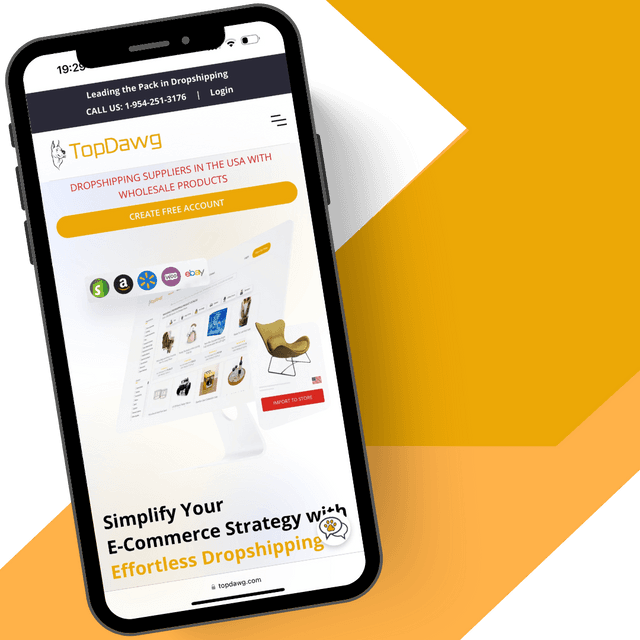


WooCommerce Dropshipping Integration: Connect Your Store to TopDawg
This video walks you through connecting your WooCommerce store to TopDawg’s U.S.-based dropshipping supplier network. Learn how to connect an existing store or create a new one, authorize integration access, and prepare your account for automated product syncing and order fulfillment using WooCommerce.
What You’ll Learn in This Video
This step-by-step tutorial shows you how to integrate WooCommerce with TopDawg. You’ll learn how to connect an existing store, create a new WooCommerce account, authorize the integration, and prepare your store for automated dropshipping using WooCommerce dropshipping integration tools powered by U.S.-based wholesale dropshipping suppliers.
1. Connecting an Existing or New WooCommerce Store
Learn how to select “Connect Existing Store” if you already have a WooCommerce account, or “Build New Store” if you need to create one. This ensures your WooCommerce store is properly set up and ready for integration with TopDawg’s automated dropshipping platform designed for retailers working with U.S. dropshipping suppliers.
2. Entering Your Store Domain & Authorizing Access
Discover how to copy your WooCommerce store domain from your dashboard, enter it into TopDawg, and approve the secure connection request. This authorization allows real-time communication between WooCommerce and TopDawg for product syncing and order automation, ensuring accurate inventory updates and seamless integration with your WooCommerce dropshipping store.
3. Completing Integration & Preparing to Dropship
Once approved, your WooCommerce store is officially connected. From there, you can upgrade your plan to begin syncing products, listing wholesale inventory, and automating order fulfillment through TopDawg’s U.S.-based supplier network built for scalable WooCommerce dropshipping automation.
Start Selling on WooCommerce Today
Create your free TopDawg account and connect your WooCommerce store in minutes.
👉 Connect Your WooCommerce Store & Start Dropshipping
Explore More Tutorials
Browse the TopDawg Video Learning Center to access step-by-step guides on store integrations, product management, automation, and order fulfillment using the navigation menu or search.
👉 Explore the Full Video Learning Center
Frequently Asked Questions
Related Videos

How to Integrate TopDawg with BigCommerce
How to Connect Your Amazon Store for Dropshipping Automation
How to Integrate with eBay Using TopDawg
Additional Resources




Create a Free Account to Get Started
Creating a free account only requires a valid email address, with no credit card needed.