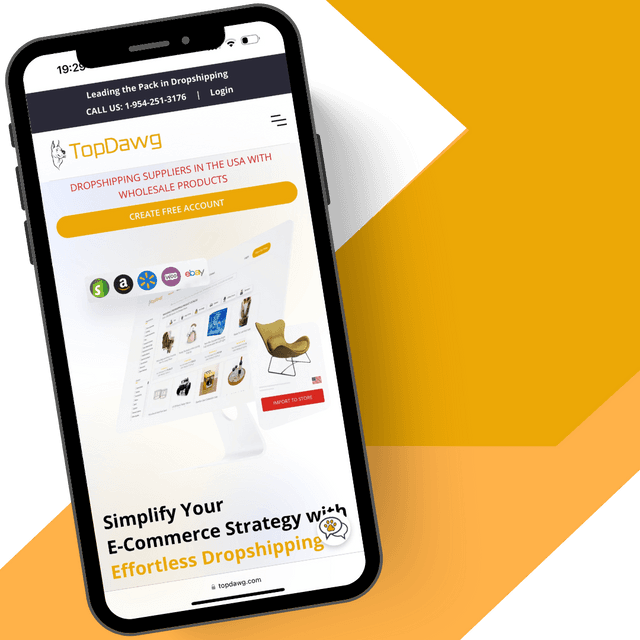


How to Add Products to Your Import List
This video shows you exactly how to browse TopDawg’s product catalog, review real-time product details, and add items to your Import List. You’ll also learn how to customize titles, descriptions, pricing, and images before syncing products to your store, giving you full control over your listings and helping you launch new products quickly.
What You’ll Learn in This Video
This video gives you a quick overview of how to find products, review key details, add items to your Import List, and prepare them for syncing to your store. You’ll also see where to access additional tools and resources to help you manage and scale your product catalog.
1. How to Navigate the Product Catalog
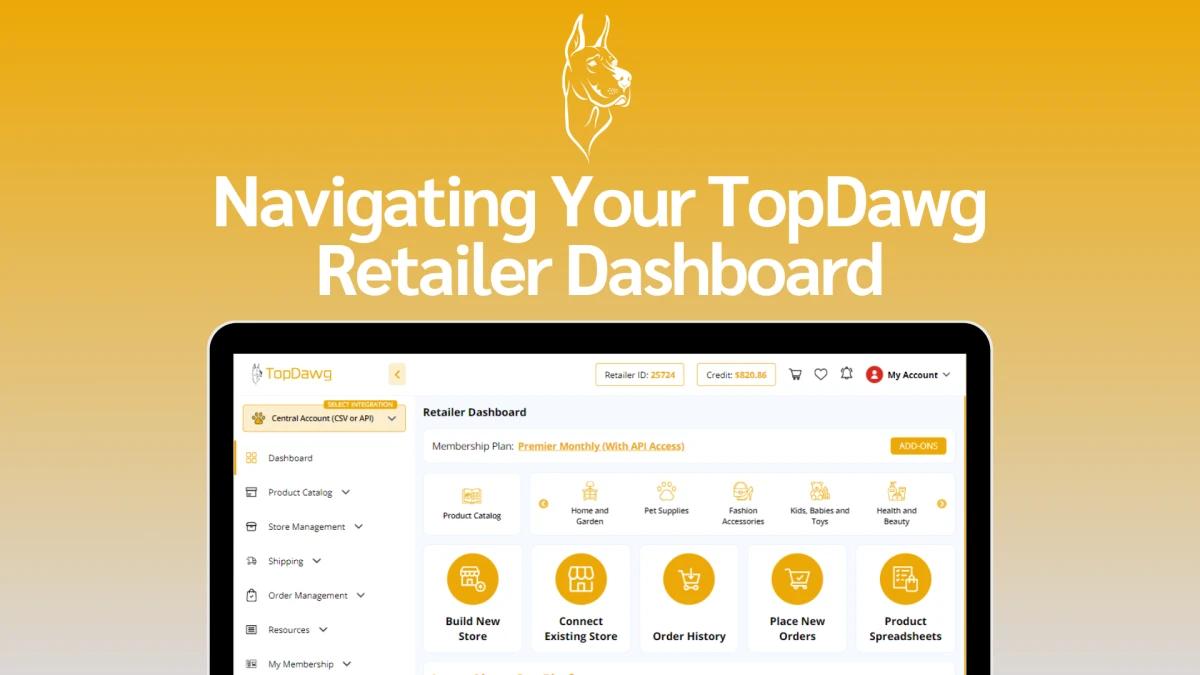
Learn how to access the TopDawg product catalog from your dashboard, explore thousands of U.S.-shipped products, and use filters and keyword search to quickly find items across every major retail category.
2. Understanding Product Details
Content:
See how to view detailed product information such as variants, pricing, inventory, and real-time shipping estimates so you can make informed decisions before adding items to your Import List.
3. Adding Products to Your Import List
Content:
Discover how easy it is to add any product to your Import List with a single click, and how to access your list to review and prepare items for your online store.
4. Customizing Product Information
Content:
Learn how to edit product titles, descriptions, pricing, and images from your Import List to match your brand voice and store strategy before syncing to your sales channel.
5. Helpful Next Steps & Bulk Importing
Find out where to access additional videos and guides that show you how to bulk add products, automate uploads, and streamline product management across your entire catalog.
Explore More Tutorials
Visit the TopDawg Video Learning Center for more guides, including platform-specific integrations and advanced automation tools.
Frequently Asked Questions
Related Videos

Your Step-by-Step Guide to Launching a Fully Automated U.S. Dropshipping Store
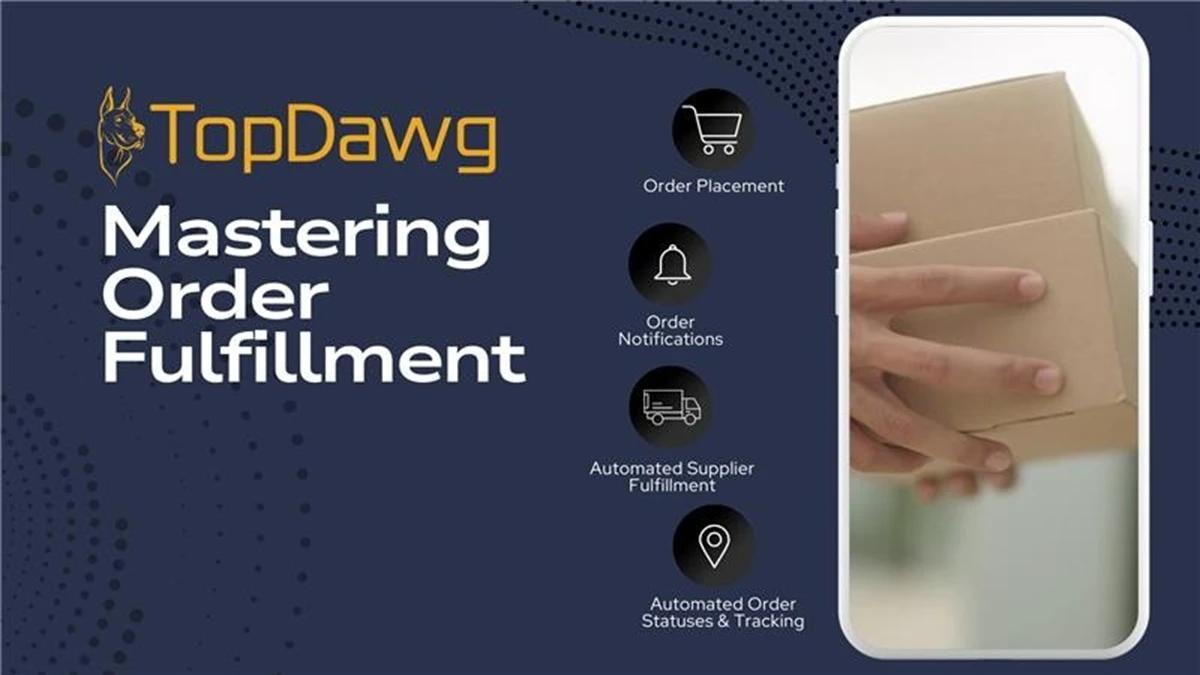
Mastering Order Fulfillment with TopDawg
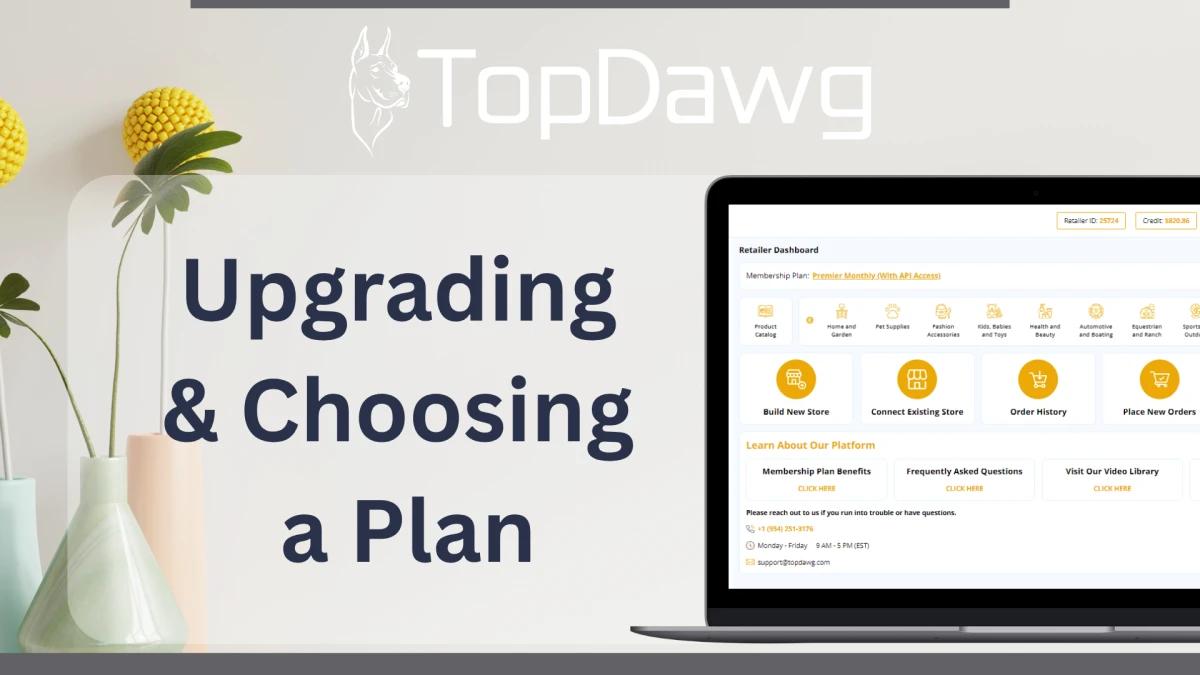
How to Upgrade Your TopDawg Membership & Choose the Right Plan
Additional Resources







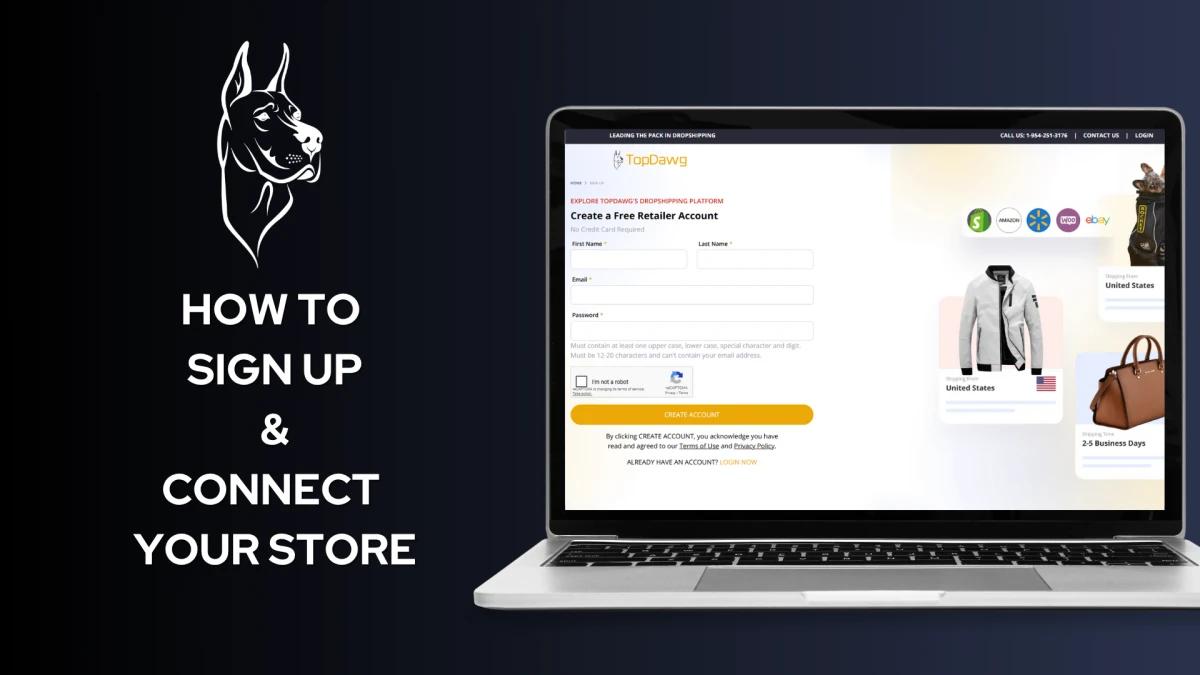
Create a Free Account to Get Started
Creating a free account only requires a valid email address, with no credit card needed.